Overview
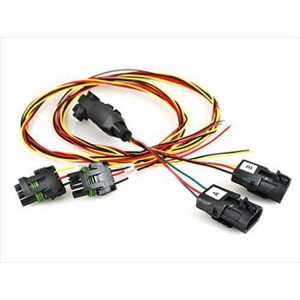
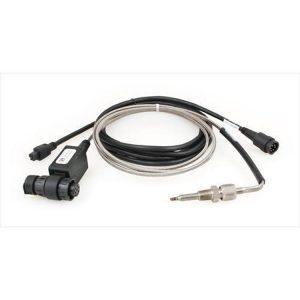
The Edge EAS turbo timer, part number 98604, is an accessory for the Edge Accessory System, which connects to CS and CTS monitors. A turbo timer generally keeps an engine running briefly after shutdown so a turbocharger can cool. Confirm the timer settings and operation before relying on it.
The Edge Accessory System is designed to take additional accessories over time, and several can be daisy-chained to one CS or CTS platform. That setup can display many parameters on a single device, and the timer is a Universal Fit product.
Key features
- Accessory for the Edge Accessory System
- Daisy-chain connection with other EAS accessories
- Works with the CS and CTS platform
- Marked Universal Fit
Understanding post-shutdown cooling
A turbocharger spins at very high speed and runs hot, and the oil that lubricates it can coke when heat soaks in after the engine stops. Brief idling or a cooldown drive lets oil and coolant carry that heat away. A timer is a way to automate that idle period, but the need depends on how the vehicle is driven, how hard it works and the surrounding temperature.
Timers add a running engine when no one is in the vehicle, so they need careful use. Keep the engine off when the vehicle is unattended, check that exhaust and ventilation are clear, and confirm the timer behaves as expected before relying on it. Many modern vehicles already manage post-shutdown cooling, so compare any timer setup against the vehicle’s own behavior.
- Use the timer only where the vehicle is safe and ventilated
- Confirm the timer behaves as expected before relying on it
- Compare timer use with the vehicle’s own cooling behavior
Specifications
| Brand | Edge |
|---|---|
| Part number | 98604 |
| UPC | 1011501113 |
| Accessory type | Turbo timer |
| System | Edge Accessory System (EAS) |
| Platforms | CS and CTS |
Vehicle fitment
It is a Universal Fit timer tied to Edge CS and CTS monitors rather than a specific vehicle. Match it to your monitor and confirm fit for your application before installing.
Confirm your vehicle’s year, model and trim before ordering.
Installation notes
Check the wiring, sensor and setting steps against your installation before connecting it to the EAS chain.
What’s included
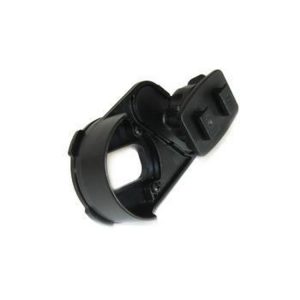
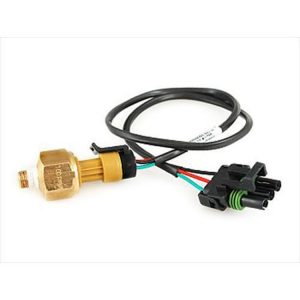
Check the parts included before starting the installation. Not included: the CS or CTS monitor and other EAS accessories, which are separate products.