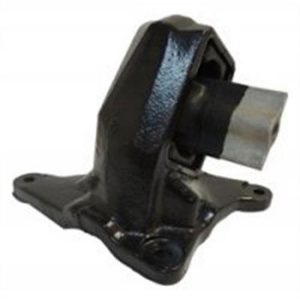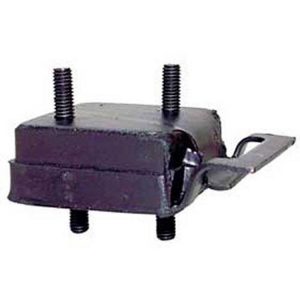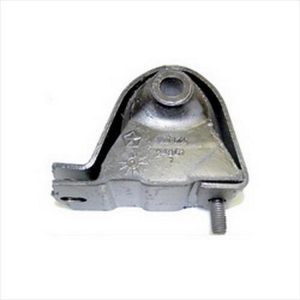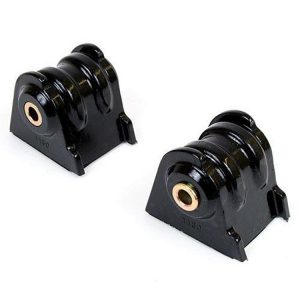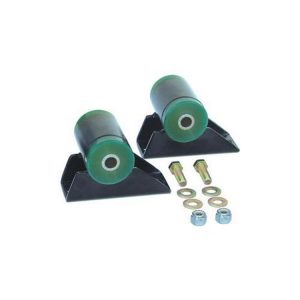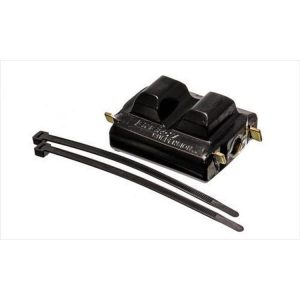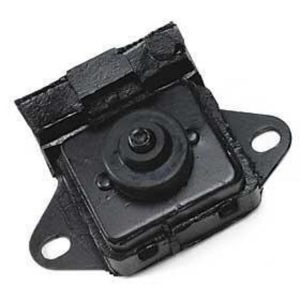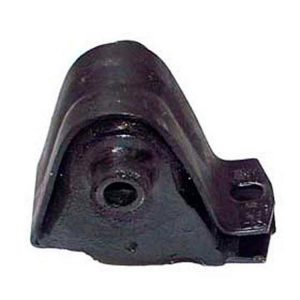

Overview
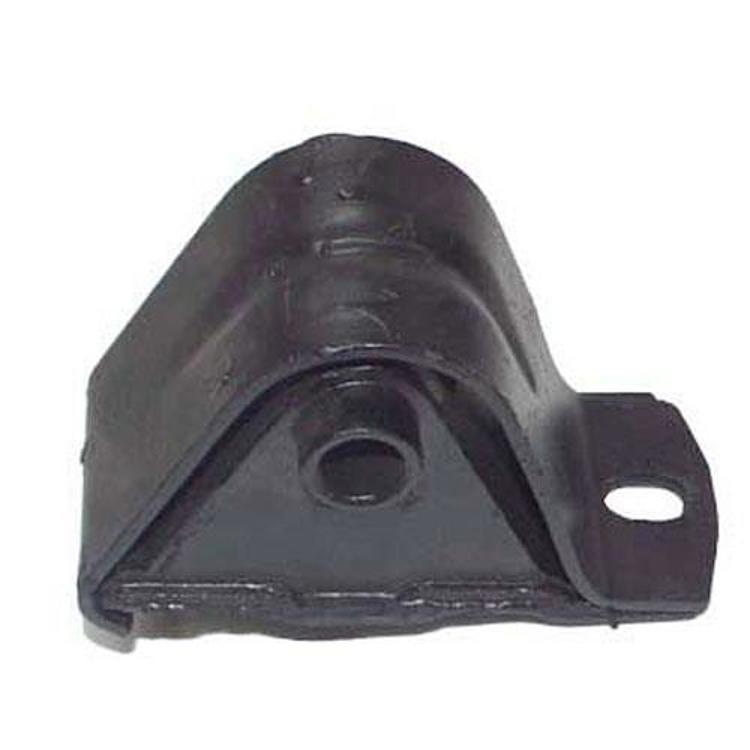
The Crown Automotive motor mount, part number 52020018, is a front right passenger side mount for the 1993–1996 Jeep Cherokee (XJ) with a 4.0L engine. It is made for right hand drive models, so check your steering configuration before ordering.
The mount uses a black rubber bushing and is a direct fit for 1993–1996 Cherokee XJ model years.
Key features
- Front right passenger side position
- Rubber bushing in black
- Made for right hand drive models
- Designed for a 4.0L engine
Right hand drive considerations
Right hand drive vehicles place the steering wheel and the driver’s controls on the opposite side, which changes how engine loads push against the mounts during hard turns and braking. A mount made for that configuration keeps the engine in position under those forces.
Before swapping a passenger side mount, confirm which side of the vehicle the original sits on and whether the bracket matches. Check the rubber for cracks and oil contamination, and look at the opposite mount for similar wear. Heat from the exhaust can harden rubber over time, so inspect for hardening and discoloration during routine maintenance. Keeping the engine bay clear of leaks helps the bushing last.
- Confirm your steering configuration first
- Compare bracket shape with the removed mount
- Inspect the opposite mount for wear
Specifications
| Brand | Crown Automotive |
|---|---|
| Part number | 52020018 |
| UPC | 848399014440 |
| Position | Front right (passenger side) |
| Engine | 4.0L |
| Drive configuration | Right hand drive models |
| Bushing material | Rubber |
| Bushing color | Black |
| Fitment type | Direct fit |
Vehicle fitment
The manufacturer fitment list covers the 1993–1996 Jeep Cherokee (XJ), with Base, Classic, Country, SE and Sport trims.
The list does not include 1997–2001 Cherokee (XJ) model years or the Grand Cherokee (ZJ). Confirm your vehicle’s year, model and trim before ordering.
Installation notes
Confirm your steering configuration before installing, since this mount is made for right hand drive vehicles.
What’s included
Confirm what hardware your installation needs before starting.