
Overview
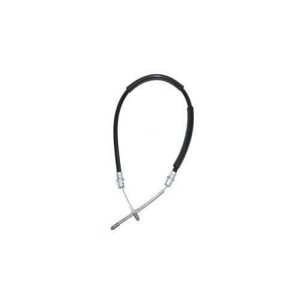
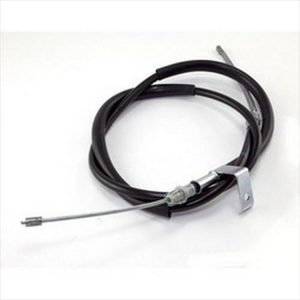
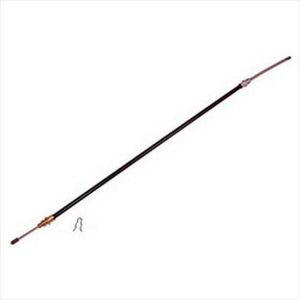
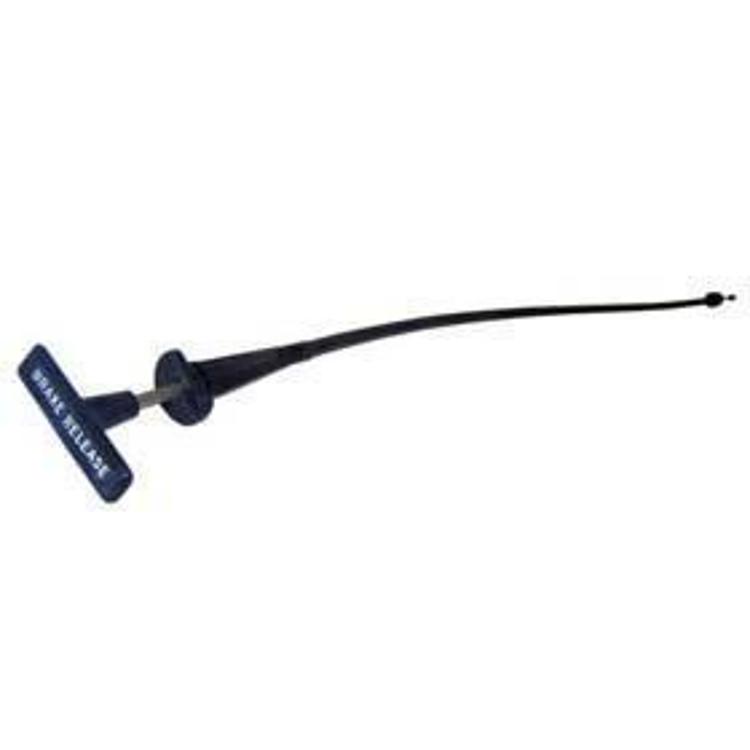
The Crown Automotive J5350541 is an interior parking brake release cable with a T-handle. The T-handle lets the driver release the parking brake from inside the vehicle, with the cable running from the handle to the parking brake mechanism.
No model years, models or chassis codes are given for this part. Check the handle location and cable length against your vehicle before ordering.
Key features
- Interior-mounted release handle
- T-handle design
- Parking brake release cable from Crown Automotive
- Part number J5350541
Keeping the release handle working
A parking brake release cable pulls the brake lever back so the rear brakes can release. Because the handle is inside the cabin, the cable is exposed to repeated pulling, which can stretch the inner cable or wear the handle’s pivot. A release that feels loose or needs extra force often points to cable stretch, a worn clevis or a sticking lever on the brake end.
Cable housings can crack and corrode, especially where they bend near the floor or frame. Check the routing for pinched sections and make sure the handle returns fully to its stowed position. Lubricating the pivot and the lever end at service intervals helps keep the release smooth.
- Check that the handle returns fully when stowed
- Inspect the housing for cracks and rust
- Lubricate the lever and clevis pivot
- Adjust the cable if the brakes drag after release
Specifications
| Brand | Crown Automotive |
|---|---|
| Product number | J5350541 |
| UPC | 70000678212 |
| Location | Interior |
| Handle | T-handle |
| Type | Parking brake release cable |
Vehicle fitment
The release cable is an interior T-handle part. Confirm fit for your vehicle’s year, model and trim before ordering.
Confirm the handle location and cable length against your vehicle’s parking brake assembly. Confirm your vehicle’s year, model and trim before ordering.
Installation notes
Note how the T-handle and cable routing sit before removing the old cable, so the new cable follows the same path.
What’s included
One T-handle release cable. Check the package contents against your installation before starting.