
Overview
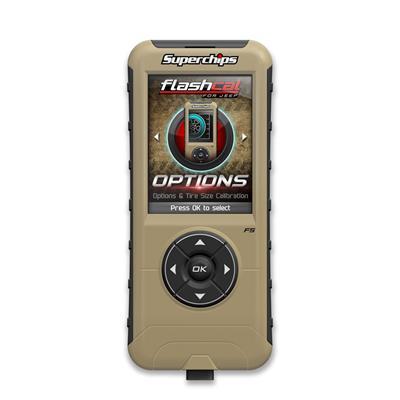
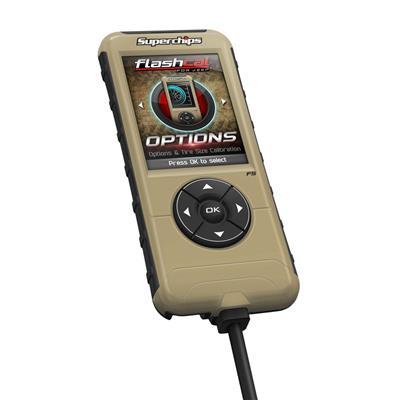
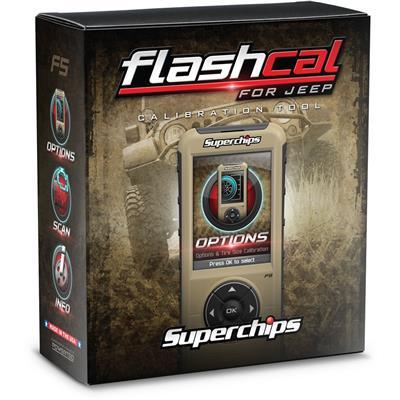
The Superchips Wrangler JL FlashCal F5 (part number 3571-JL) is a tire and gear calibration tool for the 2018–2026 Jeep Wrangler JL, covering 2-door and 4-door models. It suits drivers who change tire size or gearing and want those settings matched on the road or off it.
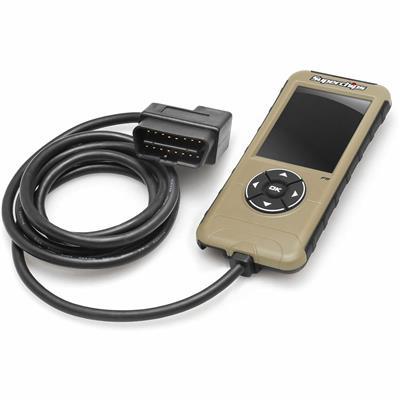
With the FlashCal F5 you can check true speed, switch TPMS on or off, and select settings on the fly. A monitor is included, and the tool calibrates tire and gear changes on the JL.
Key features
- True speed readout after tire and gear calibration
- TPMS on and off control
- Settings selectable on the fly
- Monitor included
- Covers 2-door and 4-door JL models, including Rubicon, Sport, Sport S, Moab, Sahara and Unlimited trims
Tire size and gearing changes
Larger tires and different gearing change how fast the speedometer reads and how the drivetrain responds at a given speed. A calibration tool lets you match the speed display to the new setup, which helps keep readings accurate on the road and when crawling off road. Tire sizes change rolling diameter, so the calibration should be checked again after any tire swap.
TPMS settings matter after a wheel or tire change because the sensors may need to match the new tires. Turning TPMS off is a choice many owners make with off-road tires, but check local rules before running without monitoring. Keep the monitor stored safely when not in use, and recheck the settings after any change to tires or gears.
Specifications
| Brand | Superchips |
|---|---|
| Part number | 3571-JL |
| Product name | Wrangler JL FlashCal F5 |
| Selectable on the fly | Yes |
| Monitor | Included |
| Fitment | Direct fit, 2018–2026 Jeep Wrangler (JL) |
Vehicle fitment
The manufacturer fitment list covers the 2018–2026 Jeep Wrangler (JL) 2-door models Rubicon, Sport and Sport S, and 4-door Unlimited models Moab, Rubicon, Rubicon 392, Sahara, Sport and Sport S.
The Wrangler JK and Gladiator JT are not covered. Verify your year, model and trim match the fitment before ordering.
What’s included
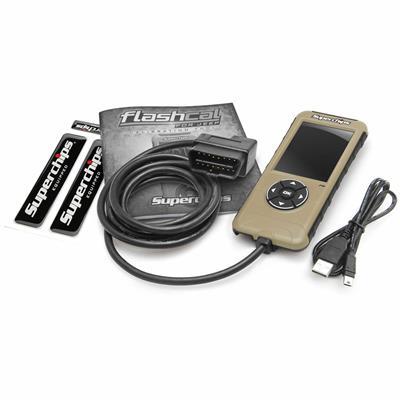
A monitor is included with the FlashCal F5. Review the package contents before starting setup.