
Overview
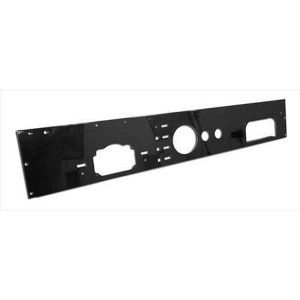
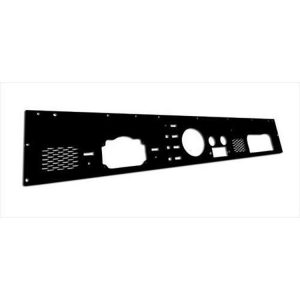
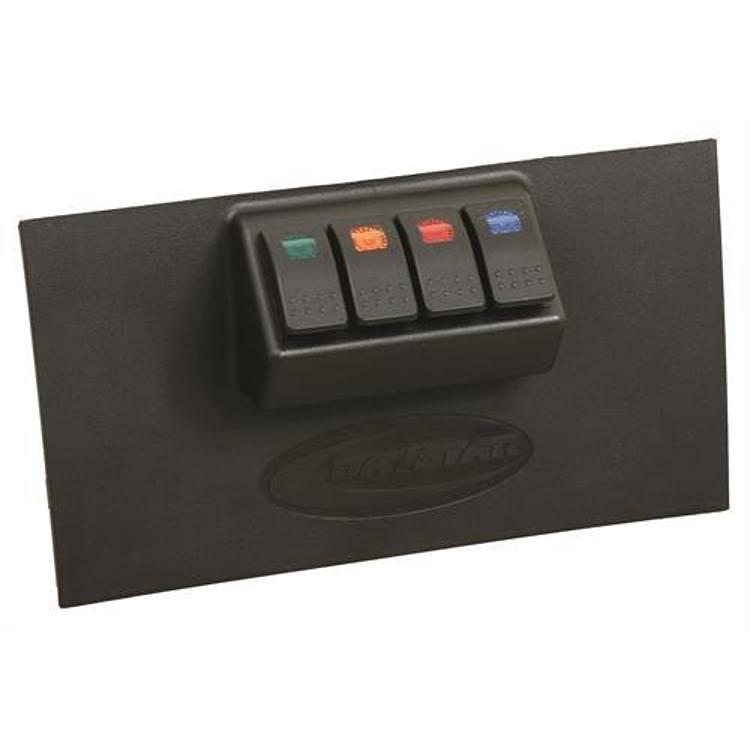
The Daystar Dash/Switch Panel, part number KJ71040BK, is a lower dash panel with four rocker switches included: one red, one amber, one blue and one green. It is a dash/switch panel designed to hold switches in a dash.
Confirm the panel’s opening and mounting area match your dash before ordering.
Wiring a switch panel
A dash switch panel lets you control accessories from one place, but each switch is a small circuit with its own load. The switch rating, the fuse for the circuit, and the wire gauge have to match the accessory, or the switch can overheat. Colored rocker switches are often used as indicators as well as controls, so plan which color means what before wiring.
Route the wiring away from the steering column, pedals and airbag wiring, and secure it with clips so it cannot pull on the switch. Label each switch on the back or on the panel so it is easy to identify later. Test each circuit with the ignition off before finishing the install, and recheck the connections after the first few drives.
- Match each fuse to its accessory load
- Keep wiring clear of pedals and the steering column
- Label every switch and circuit
- Check switch connections after the first few drives
Specifications
| Brand | Daystar |
|---|---|
| Part number | KJ71040BK |
| Panel position | Lower |
| Rocker switches included | 4 |
| Switch colors | 1 red, 1 amber, 1 blue, 1 green |
Vehicle fitment
It is a direct fit panel. Confirm the year, model and trim of your vehicle before ordering.
Confirm your vehicle’s year, model and trim before ordering.
Installation notes
Plan the switch wiring and confirm the switch ratings before installing the panel, and gather the mounting hardware you need.
What’s included
The panel includes four rocker switches: one red, one amber, one blue and one green.