
Overview
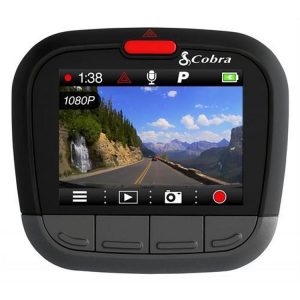
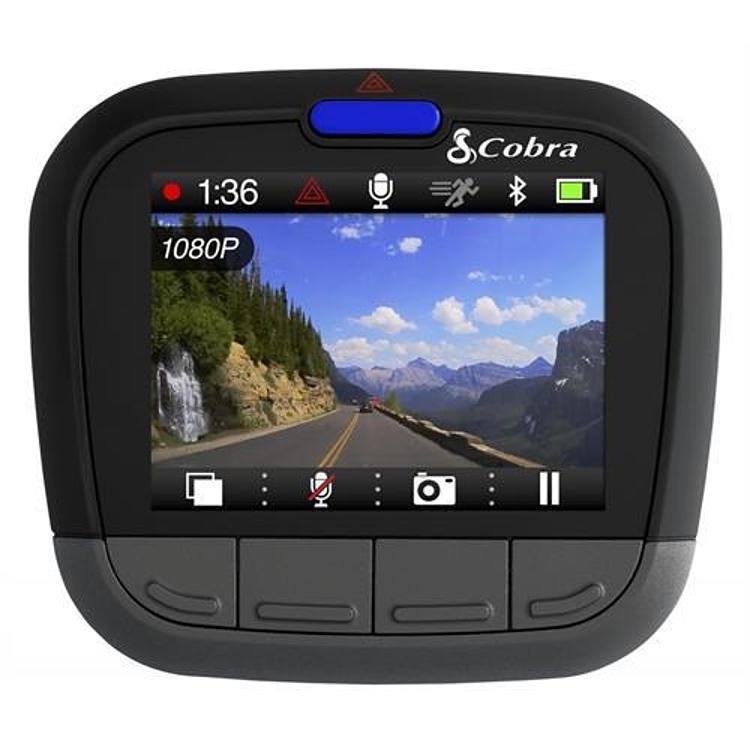
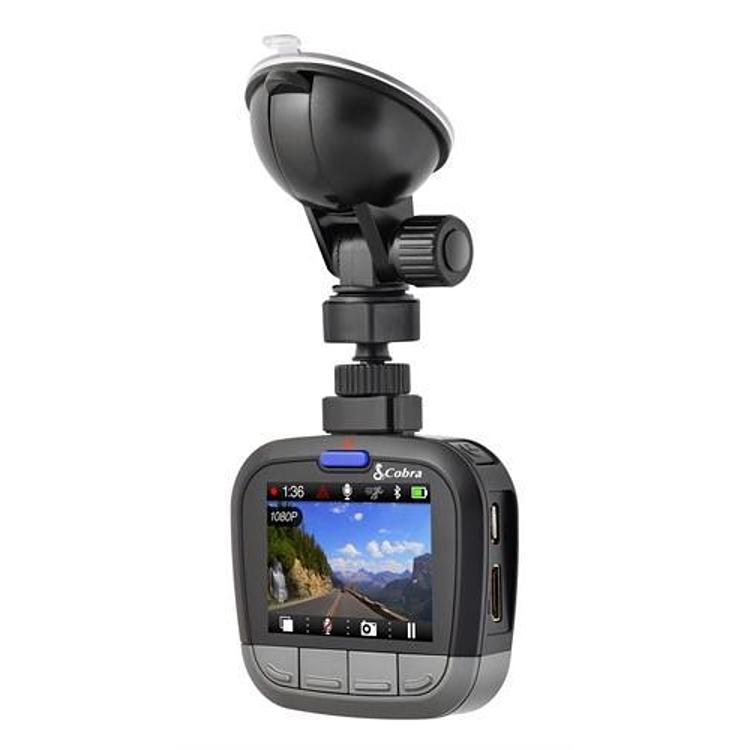
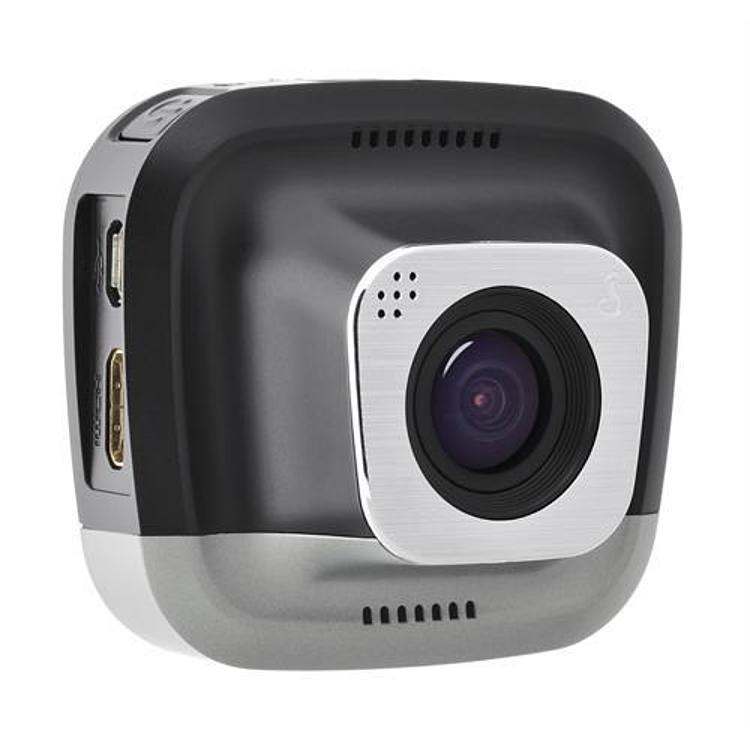
The Cobra CDR 855 BT is a dash camera with iRadar, part number CDR855BT, that records 1080P Full HD video of the road ahead. Cobra positions it as the brand’s most advanced, user-friendly and feature-packed dash cam. Fitment is universal, which means the camera is not matched to one vehicle model.
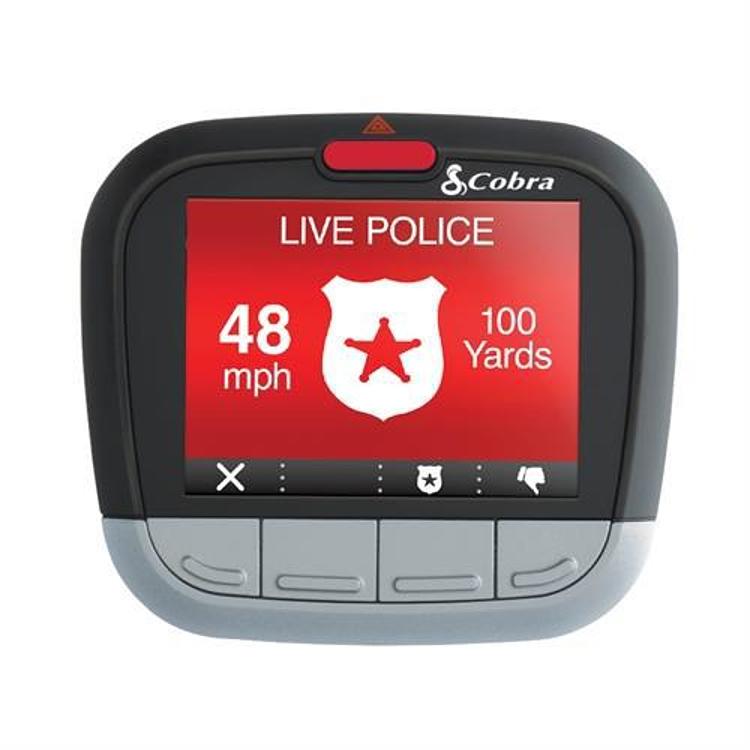
The camera uses a two-inch LCD screen and a 160 degree ultra-wide viewing angle. An embedded G-Sensor saves and protects clips automatically when an impact is detected. It also pairs with a smartphone over Bluetooth Smart wireless technology. Once paired, the footage can carry GPS location, time, G-Force and speed information, and the smartphone link adds alerts for speed cameras, red light cameras, live police locations and shared radar alerts from the iRadar Community.
Key features
- Continuous 1080P Full HD recording of the road ahead
- 160 degree ultra-wide viewing angle
- Two-inch LCD screen
- Embedded G-Sensor that protects clips after an impact
- Bluetooth Smart smartphone connection
- GPS location, time, G-Force and speed shown in footage through the smartphone connection
- Speed and red light camera alerts
- Live police location and shared radar alerts from the iRadar Community
Dash camera placement
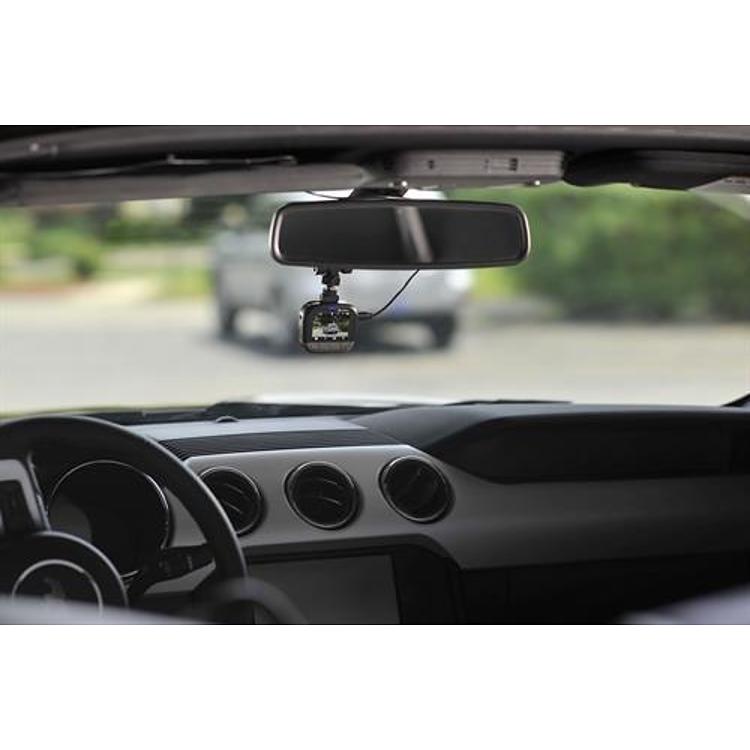
A dash camera works best with a clear view of the road and no obstruction from tint, stickers or mirror brackets. Position it where the lens sees the road without blocking the driver’s sightline, and keep the windshield clean inside and out. Route the power cable along the headliner and trim so it stays out of the way of airbags and pedals.
Off road, dust and mud reach the lens quickly, so wipe it regularly. Heat in a parked vehicle can affect electronics and adhesive mounts, so check the mount after hot days. Vibration on rough trails can loosen mounts, so inspect the adhesive or bracket after each trip. Keeping clips organized on the memory card also saves time when reviewing footage.
- Keep the view free of stickers and tint
- Check the mount after hot or rough trips
Specifications
| Brand | Cobra |
|---|---|
| Part number | CDR855BT |
| UPC | 28377107085 |
| Video resolution | 1080P Full HD |
| Viewing angle | 160 degrees |
| Screen | Two-inch LCD |
| Connectivity | Bluetooth Smart |
Vehicle fitment
It is universal fit, so it is not matched to one vehicle. Mounting depends on your windshield and dash layout, so choose a method that suits your vehicle before installing it.
Confirm your vehicle’s year, model and trim before ordering.
Installation notes
Pair the camera with your smartphone over Bluetooth Smart to turn on the GPS, time, G-Force and speed information and the alert features. The iRadar alerts depend on that smartphone connection.
What’s included
Check the box contents before ordering, and make sure you have a mount and power option for your vehicle.